How VIVAM GUIDE works
From the recording to the finished, legally compliant record. Automatic, local, in 3 minutes.
The VIVAM Interface
Intuitive, clear, professional.
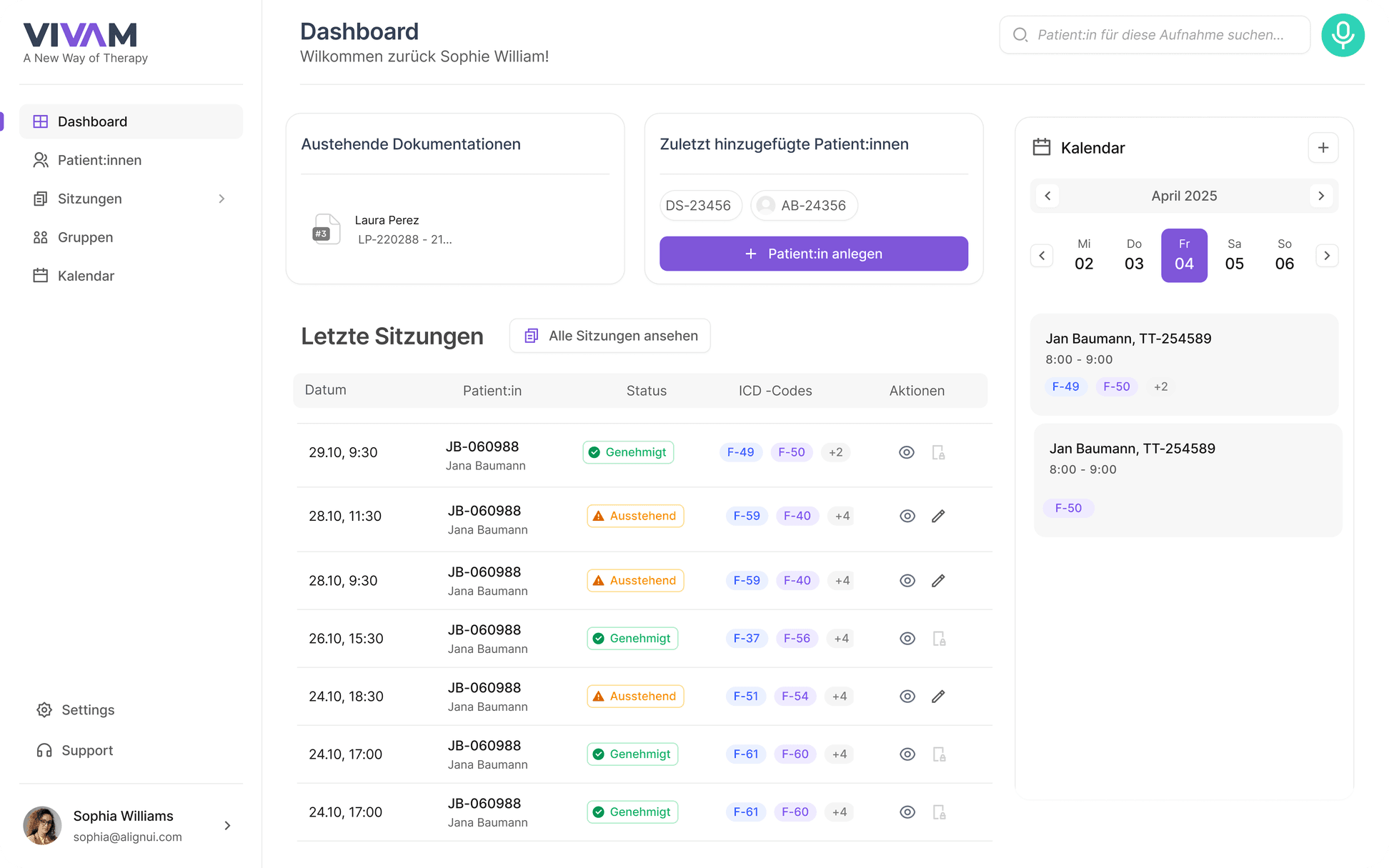
Clear dashboard
All sessions, statuses and to-dos at a glance.
Integrated calendar
Appointments and sessions always in view.
Pending documentation
No documentation gets lost anymore.
Prose or bullet points
You decide the format, adjustable in 2–3 min.
The VIVAM Setup
Plug & Play. We do not leave you on your own during setup.
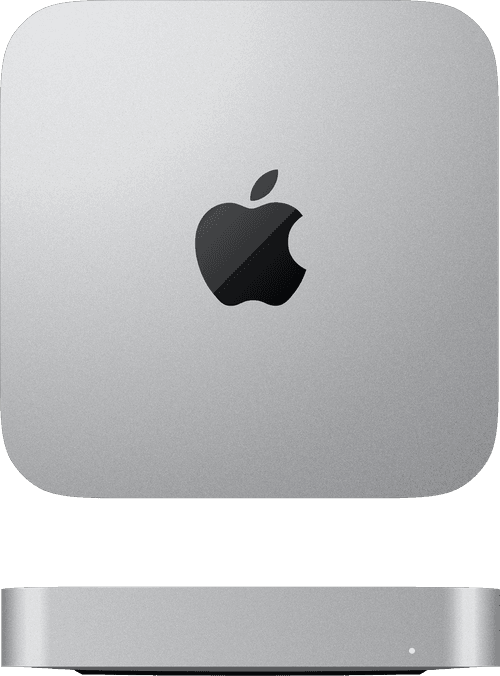
Apple Mac Mini M4
Powerful M4 chip for local AI processing.
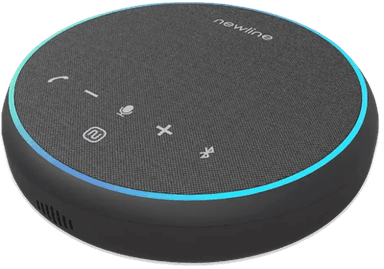
Professional microphone
360° recording for the entire room.
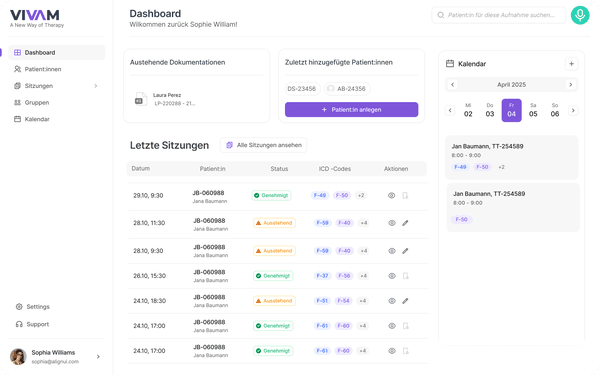
VIVAM GUIDE Software
Browser-based, no app download. Runs on your local network.
From session to documentation
This is how a typical session with VIVAM GUIDE works.
Start recording
One click on "Start recording". The microphone records automatically. You focus on your patient.
VIVAM structures in the background
The system automatically creates a structured transcript and identifies important connections.
Review & adjust
You briefly review the documentation (2–3 min.), adjust it if needed and approve it. You always have the final say.
Done & archived
One click on "Approve" and the documentation is stored in a legally compliant way. The recording is deleted.
VIVAM is your digital filing cabinet
While others only transcribe, VIVAM stores the complete therapy history and uses it intelligently.
Key concepts briefly explained: local AI, LoRA, GDPR and § 203 StGB in the glossary. You can find rates and conditions on the pricing page.